CALLING APPS
User Interface Overview
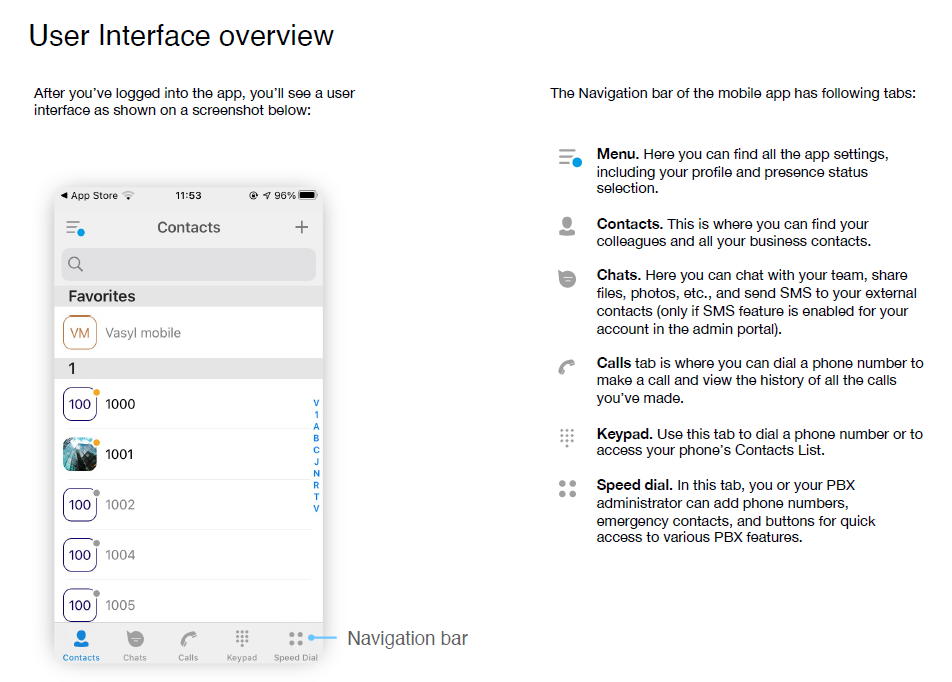
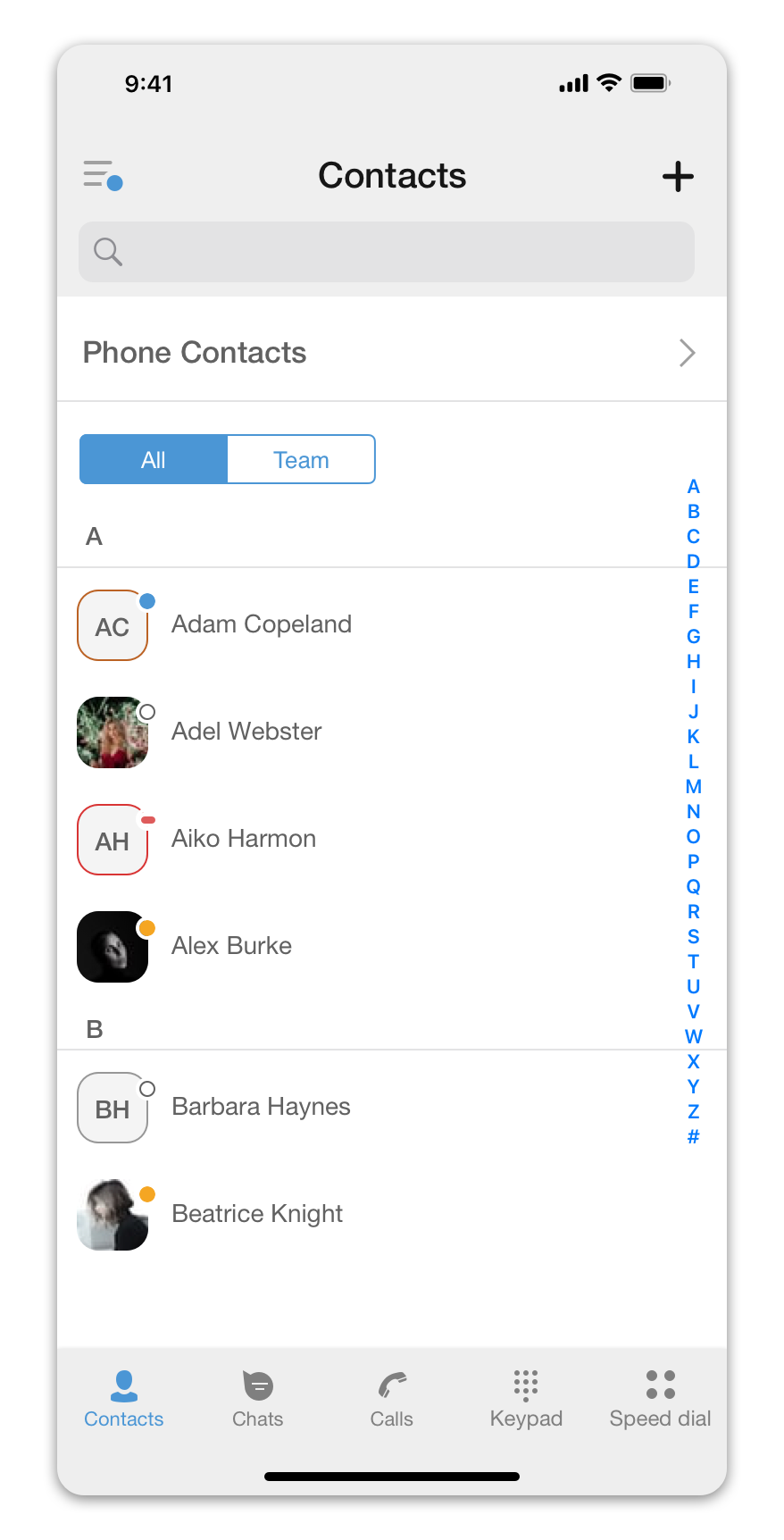
The Ringotel mobile app is organized around a few areas. Names and button positions can vary slightly between Android and iPhone versions.
- Menu — your profile, status and app settings.
- Contacts — coworkers, company contacts and presence.
- Chats — conversations and business messages where enabled.
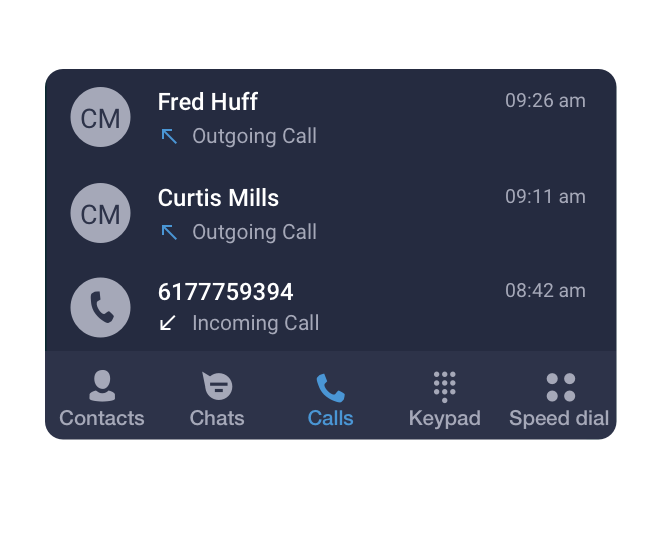
- Calls — recent incoming and outgoing calls.
- Keypad — dial a number manually.
- Speed dial — quick access to commonly used numbers or phone-system features where enabled.
Android
On Android, use the bottom tabs to move between calls, contacts, chats, the keypad and menu.
iPhone
On iPhone, the bottom tab icons provide the same main areas. The exact layout can change with app updates.
When someone calls you
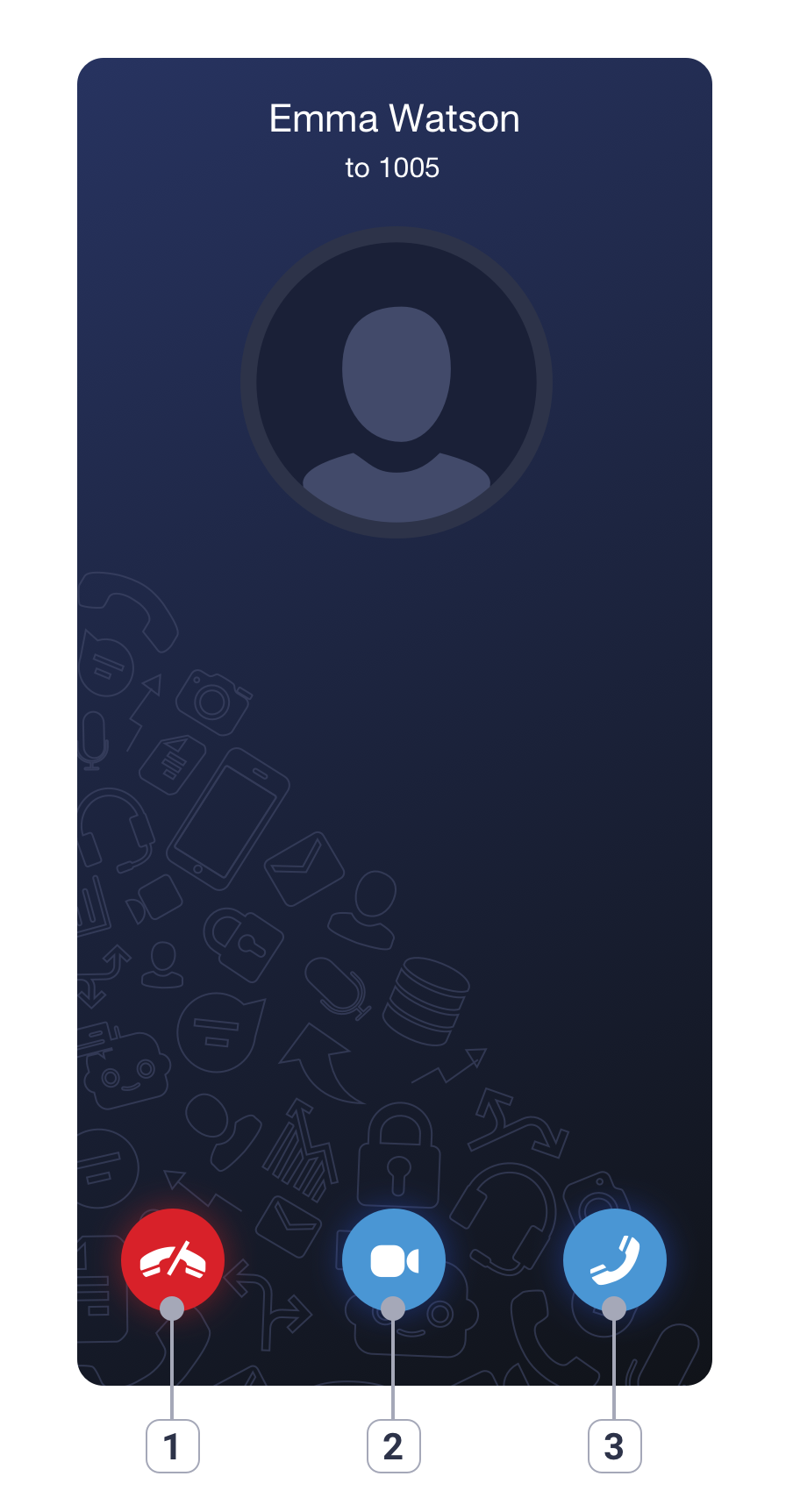
Incoming calls show the caller and the answer controls.