CALLING APPS
Configuring Devices (Bria Desktop)
Once you installed and logged into the Bria Enterprise app, you will want to set up your microphone and speakers/headset to work with the app.
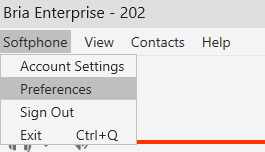
Click Softphone → Preferences
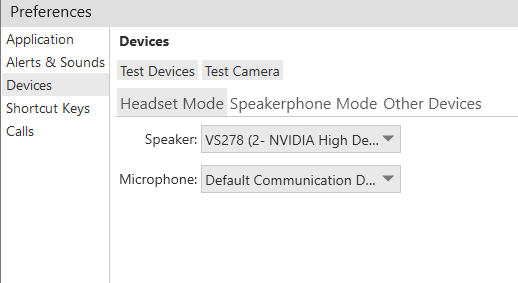
Navigate to Devices
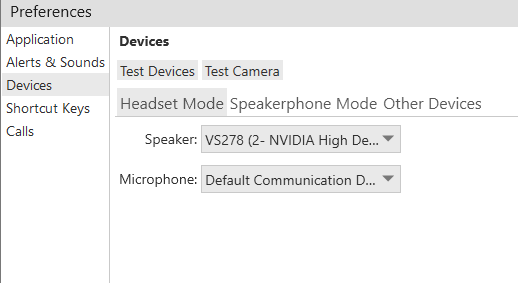
Select the appropriate devices for headset and speakerphone mode
Press Test Devices to ensure that everything is working