CALLING APPS
Speed Dial
The Speed Dial list can contain phone numbers for a one-click call and indicators showing states of various features of your phone system.
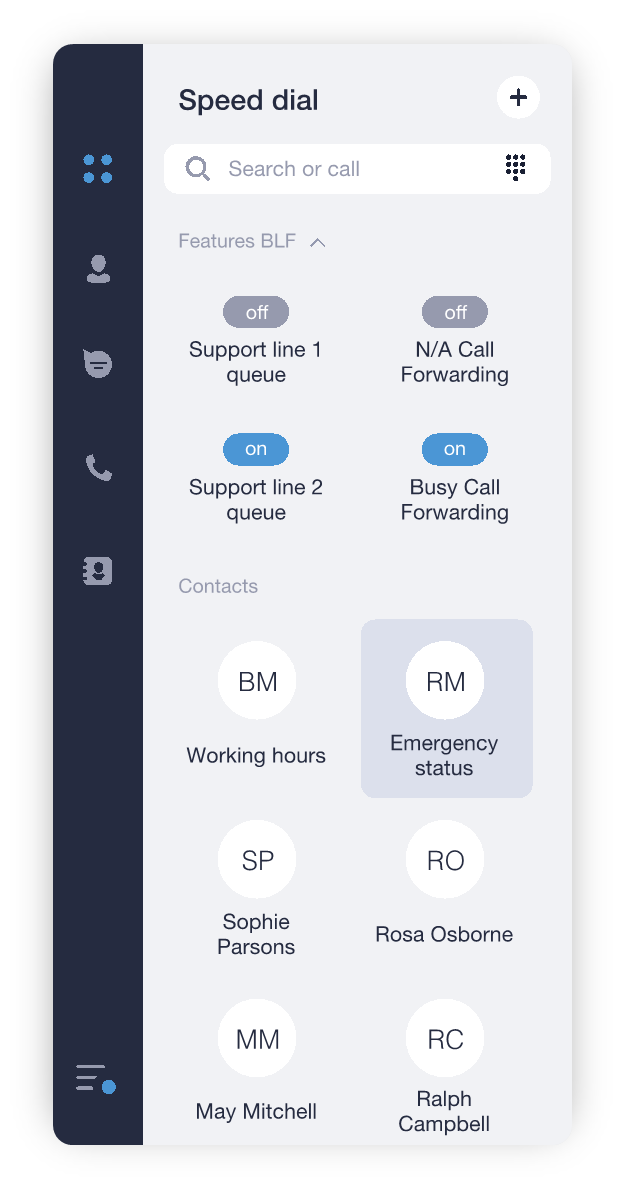
You can add any contact or a phone number to your speed dial list. To do so:
Click on the + icon at the right side of the tab name
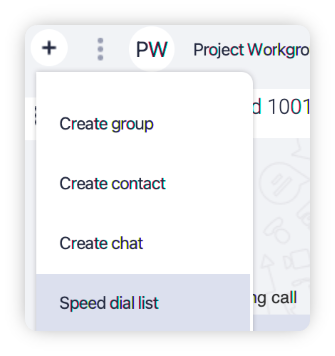
Choose Speed dial list from a drop-down menu
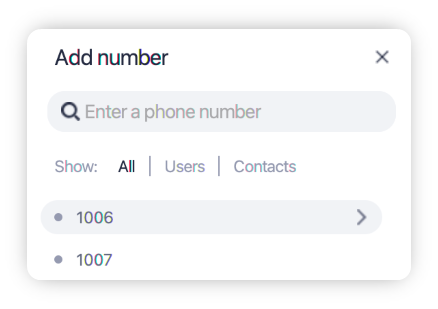
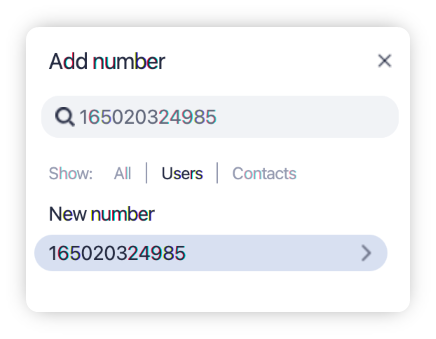
In the Add number window select which contact or user you would like to add to list by clicking on it OR enter a new phone number in the search field and click on the New number item below to add it to the speed dial