CALLING APPS
Troubleshooting Issues
Ringotel is an application that is installed on a personal mobile device. There are many variables that can create issues. This article will discuss common problems and solutions. If you are experiencing additional issues, please contact customer service.
Problem: “Connecting” / “No Routes Available” error (iOS)
Solution: Adjust iOS privacy settings. From your iPhone/iPad, go to Settings → Privacy → Local Network. Ensure that Ringotel is enabled. Also see the next bullet point: Audio Quality Issues.Problem: Audio Quality Issues
Solution: Ensure that you are on a stable, unrestricted Wi-Fi connection with adequate signal and speed. Many hotels and public hotspots will often be congested with other network traffic that could interfere with the quality of your phone call. You may also try to use your carrier’s 5G/LTE data connection. Data charges may apply, please consult with your carrier.Problem: Unable to Register
Solution: Ensure that your Wi-Fi connection is working, and allows unrestricted access to all websites and applications. You may also try to restart your phone in order to isolate any other issues.Problem: International calls and roaming charges were billed from my cell phone carrier
Solution: Please ensure that you are using the Ringotel app. It is a common mistake for users to accidentally place calls using the default iOS/Android dialing application.Problem: Incoming Calls Do Not Reach My Smartphone
Solution: Ensure that you have sufficient memory/storage on your smartphone. Furthermore, please confirm that your smartphone is connected to a fully functional and unrestricted 5G/LTE/WiFi connection. Lastly, ensure that your smartphone’s Do Not Disturb feature is disabled, and your status in Ringotel is not set to “Busy”. To update your status, click the menu (3 bars on the top left of the screen). Under your name, you can adjust your status.
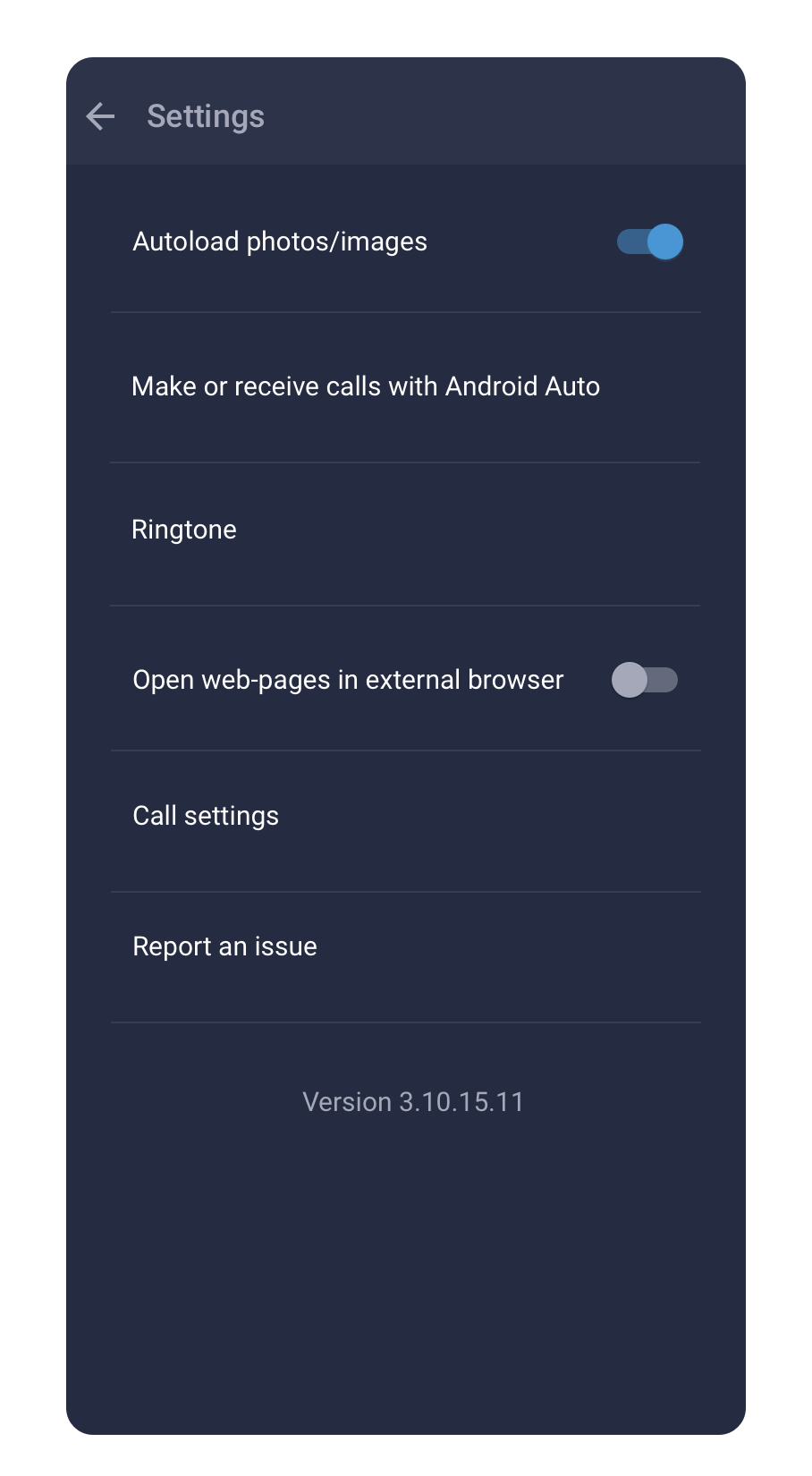
Android settings example
When an Android phone cannot receive calls, check Ringotel’s permissions and notification settings first. The names can vary by Android version.