CALLING APPS
Conference Calling
During an active phone call, you have the ability to add an additional party to join your conversation.
To begin, ensure that you are on an active call
Press Add Call
You may manually enter the extension or outside number you want to add to the call, or select from your Contacts. Once the phone number or contact is selected, initiate the phone call.
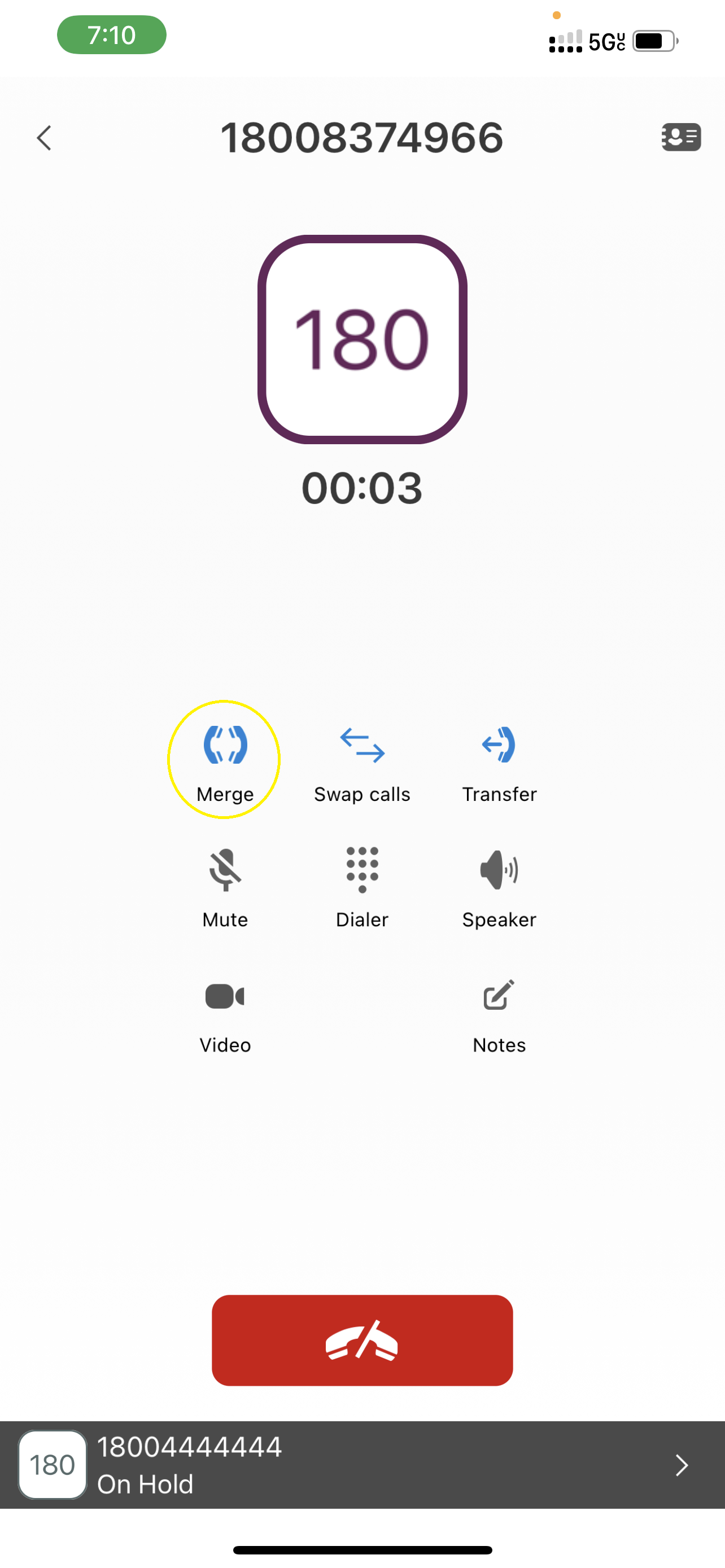
Press Merge. All parties will be active participants on the phone call.