CALLING APPS
Setting Your Status
Your Ringotel status controls how your availability is shown and how incoming calls are delivered. The status syncs across the Ringotel devices signed in to your account.
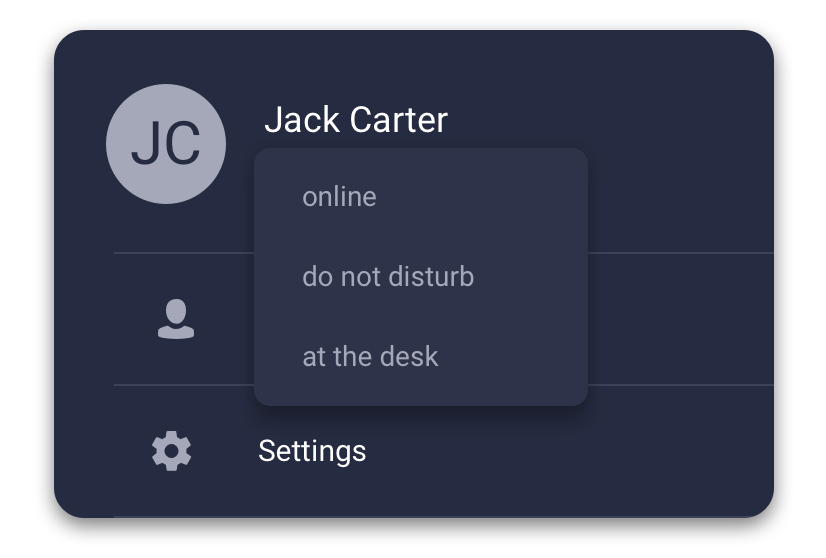
Choose a status
- Online — Ringotel can receive incoming calls and messages normally.
- At the desk — send incoming calls to your physical desk phone and computer first. Ringotel can receive the call after the configured delay.
- Busy — show that you are unavailable and prevent incoming Ringotel calls where this status is supported.
Change your status
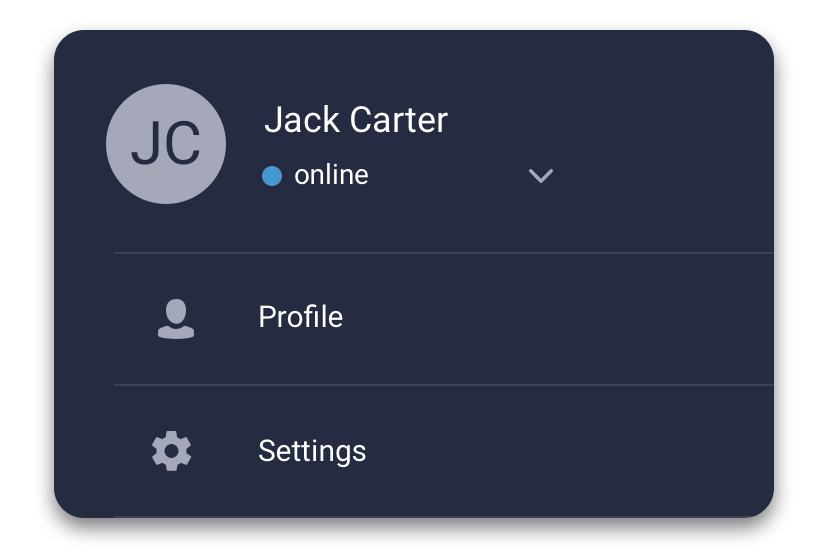
- Open the Menu tab.
- Tap or click your current status below your name.
- Choose the status you want to use.
At the desk is the useful choice when you are sitting at your physical desk phone and want that phone to ring first. Status behavior can depend on how your Junction service is configured.
Change your status on Android
Open the menu, tap your current status, then choose the status your Junction service provides.