CALLING APPS
Placing Calls (Bria Desktop)
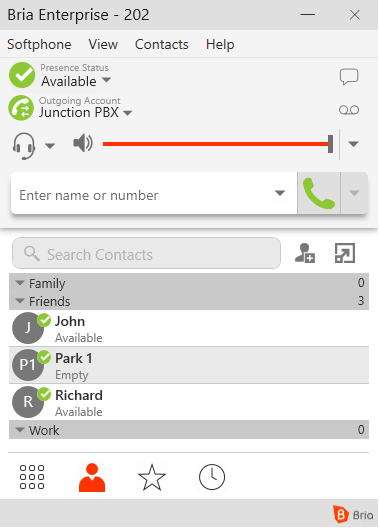
The home screen of the app should appear similar to the screen shot displayed below. The circled icons represent different functions
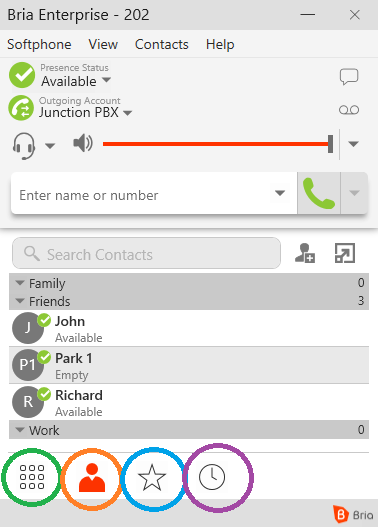
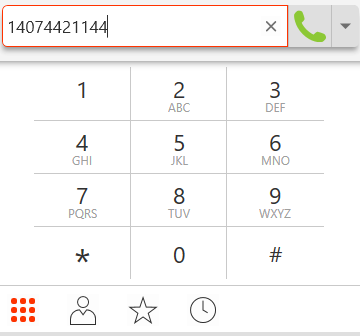
Green: Keypad. Use the keypad to dial a phone number or extension
Orange: Contacts. Use your contacts to place calls with a click of a button
Blue: Favorites
Purple: Call History
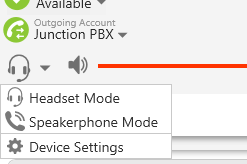
You may also swap between devices of your preference by clicking on the headset icon