
YOUR PHONE, YOUR GUIDE
Find your phone
Choose the brand and model on your desk or cordless phone. We’ll show you just the guides for that phone.
Cisco
SPA5xx
Desk phone
View phone guide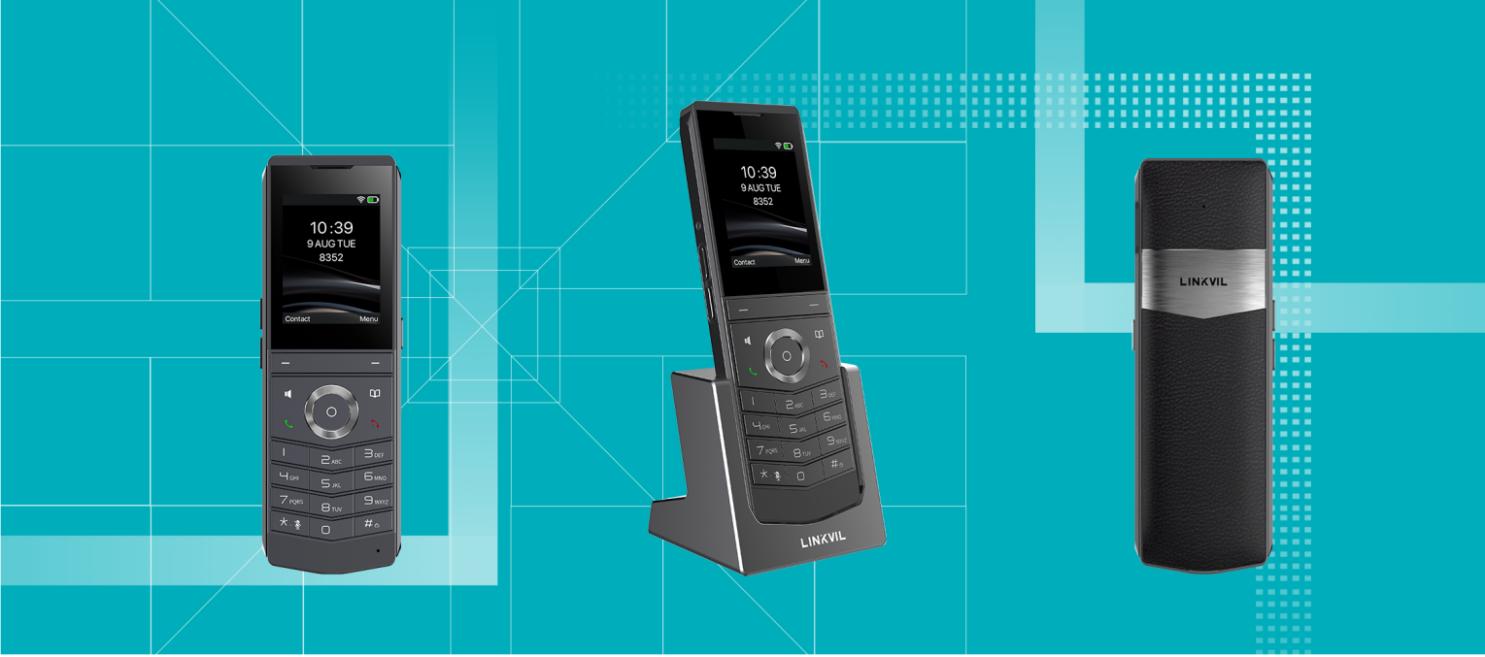
Fanvil
W611W
Cordless phone
View phone guide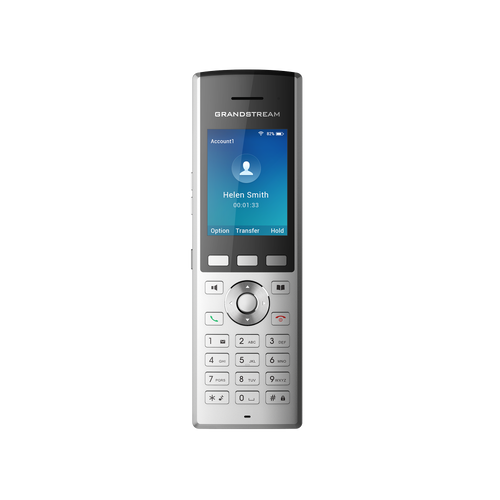
Grandstream
WP820
Cordless phone
View phone guide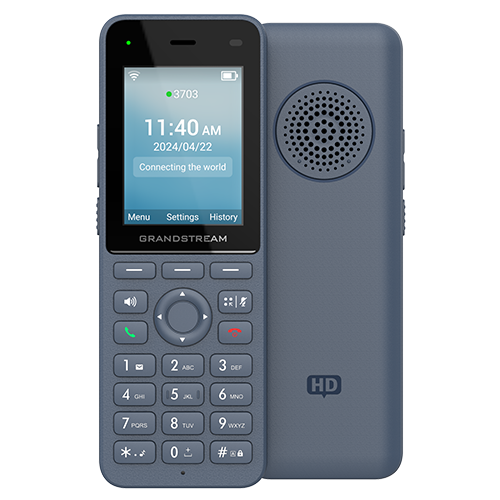
Grandstream
WP826
Cordless phone
View phone guide
Panasonic
KX-TGP600
Cordless phone
KX-TPA60 handset shownView phone guide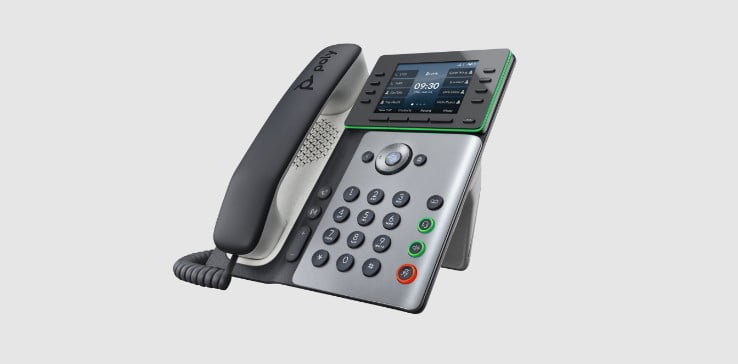
Poly
Edge series
Desk phone
Edge E300 shownView phone guide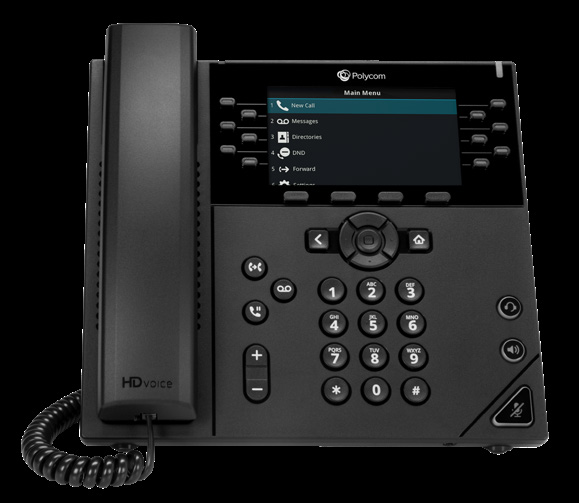
Polycom
VVX series
Desk phone
VVX 450 shownView phone guide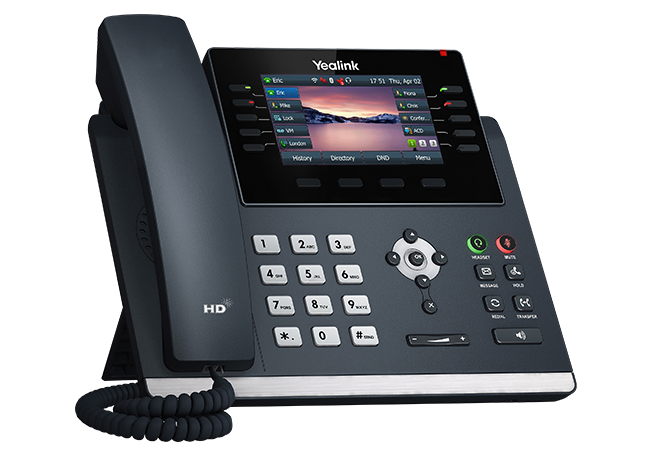
Yealink
T44 / T46
Desk phone
T46U shownView phone guideI don’t know my phone model
Look for the brand and model printed on the phone or its label. Match the model letters and numbers above; several phones from the same brand can look similar.
If you’re still unsure, send your company’s phone administrator or your Junction support contact a photo of the phone. You don’t need to unplug it or change any settings.
Using an app instead? Open the Ringotel guides.