CALLING APPS
Coworker Speed Dial (Bria Mobile)
The Bria Enterprise app allows you to add coworkers individually in order to see if they are on an active call.
Prerequisite (iOS): You must allow Bria to access your contacts. If you are unable to add a new contact, navigate to Settings → Privacy → Contacts → Bria Enterprise.
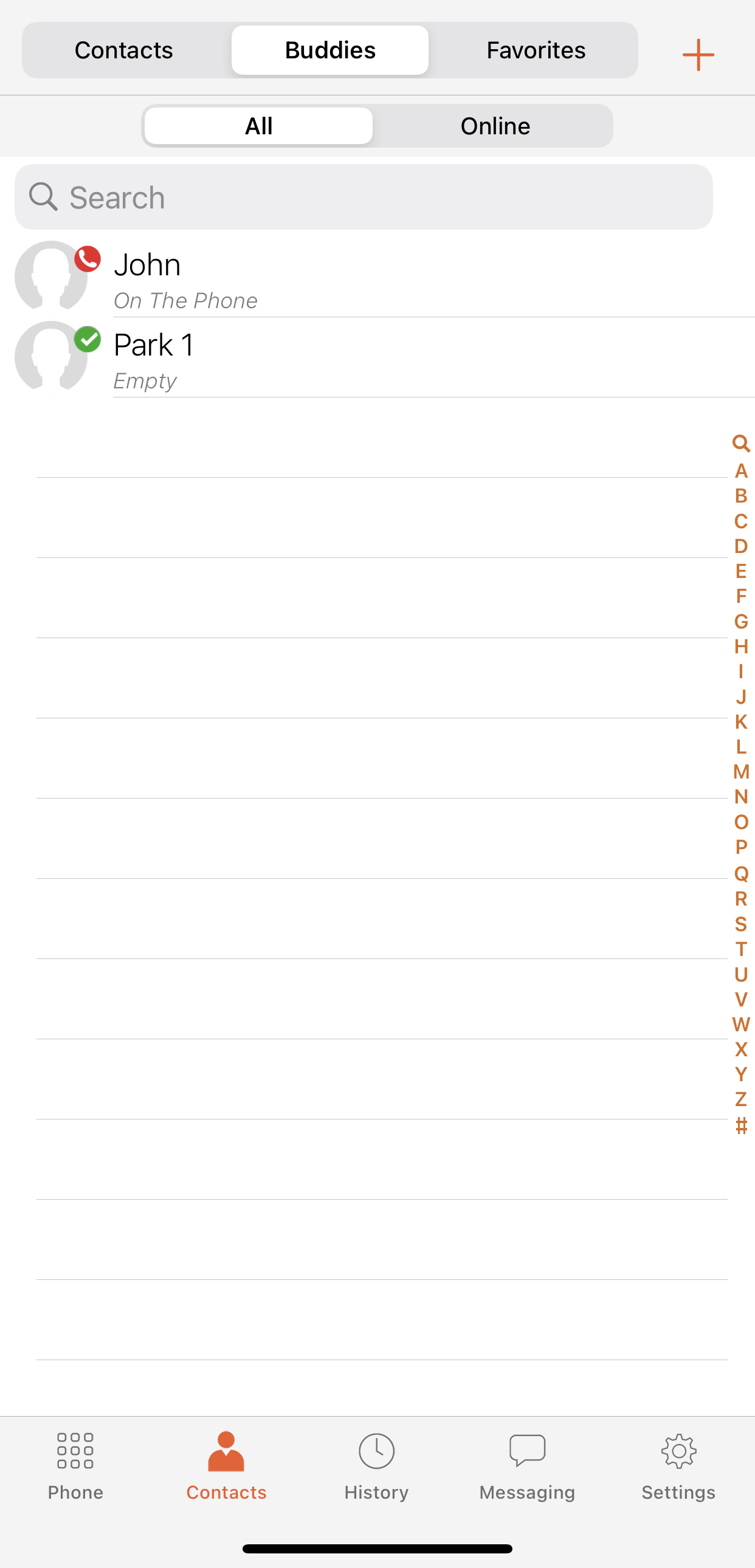
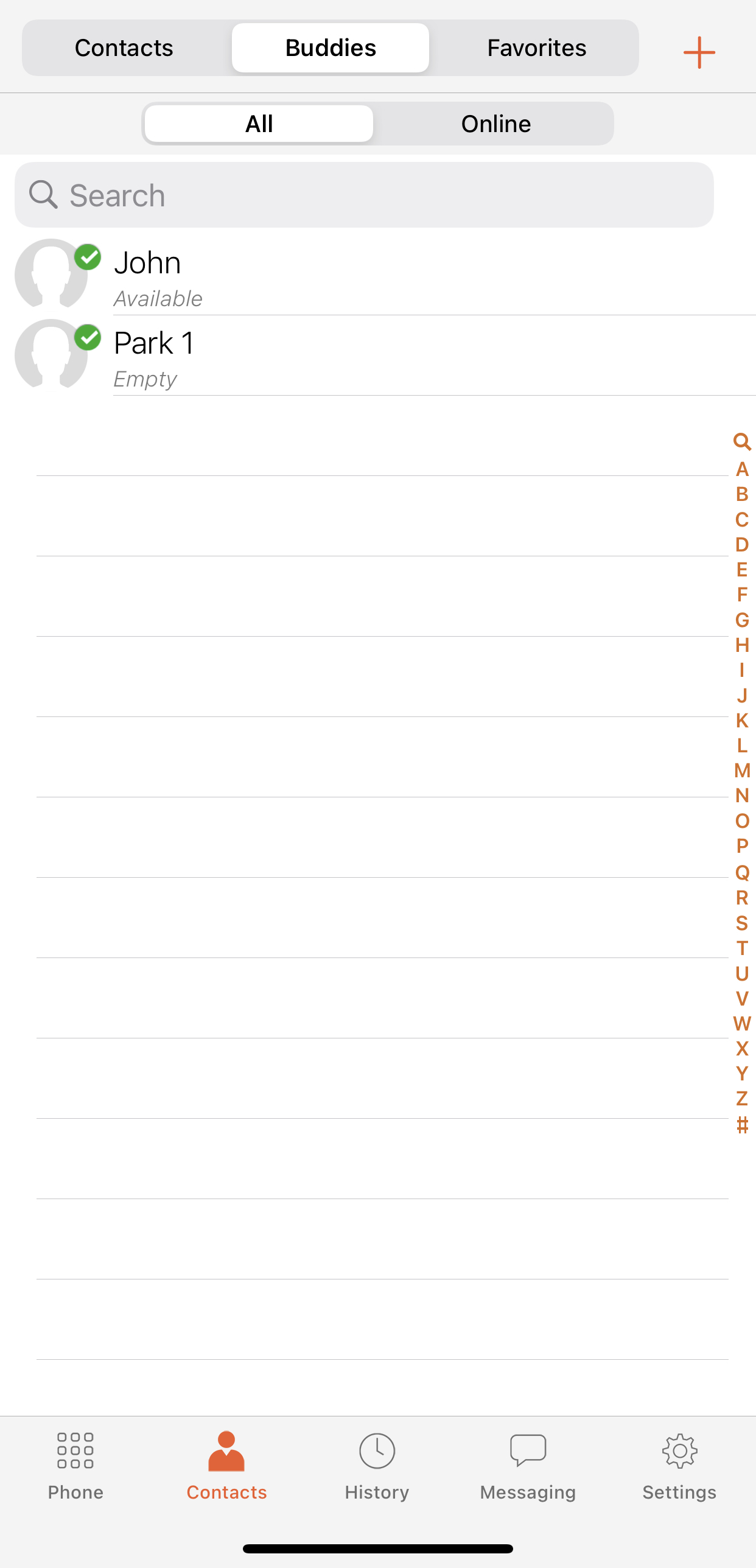
To add a new contact, click on the middle Contacts button on the bottom of the Bria app, then click on the middle Contacts icon on the top of the screen as pictured below.

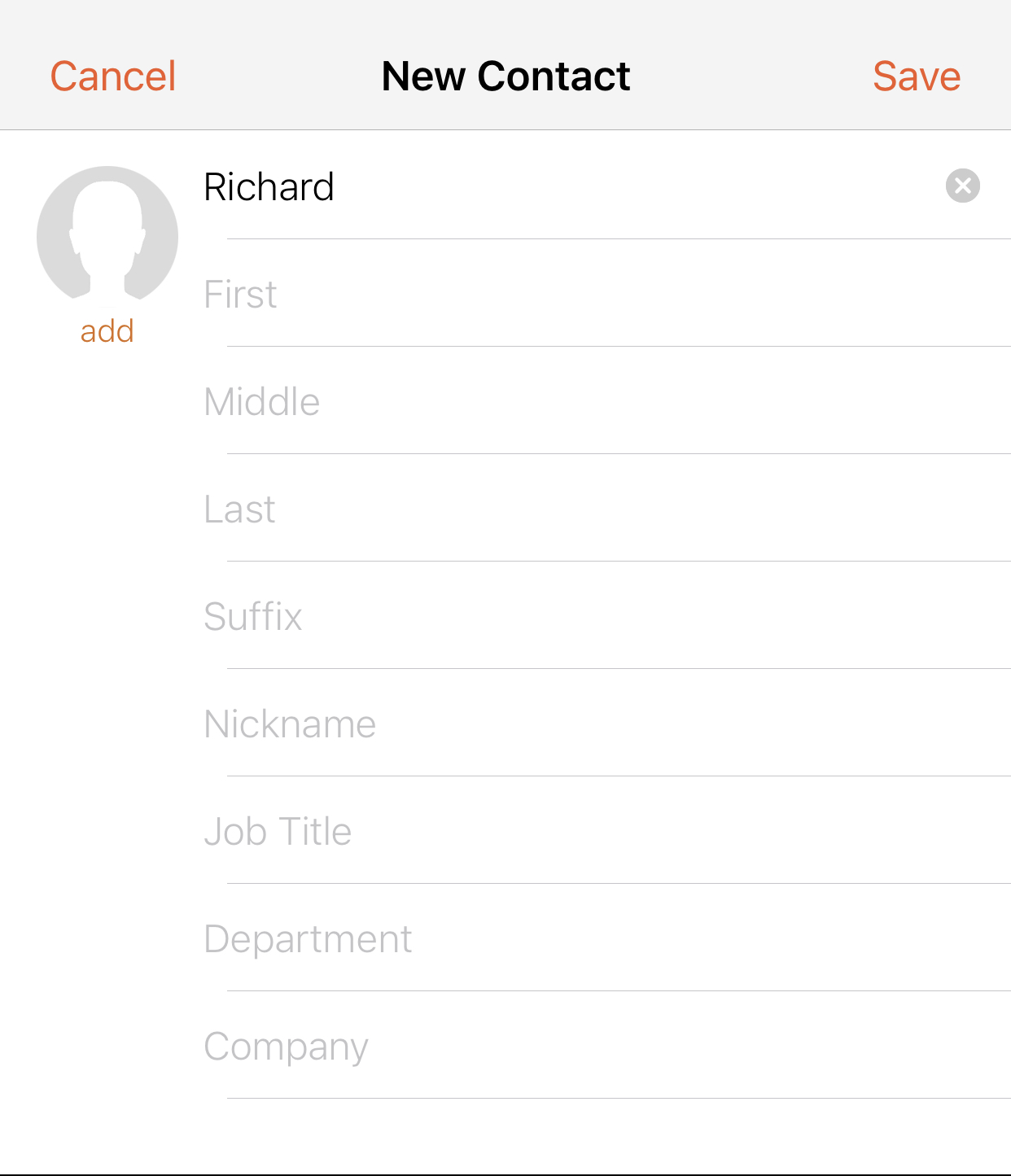
Press + on the right corner
Provide a name for your contact
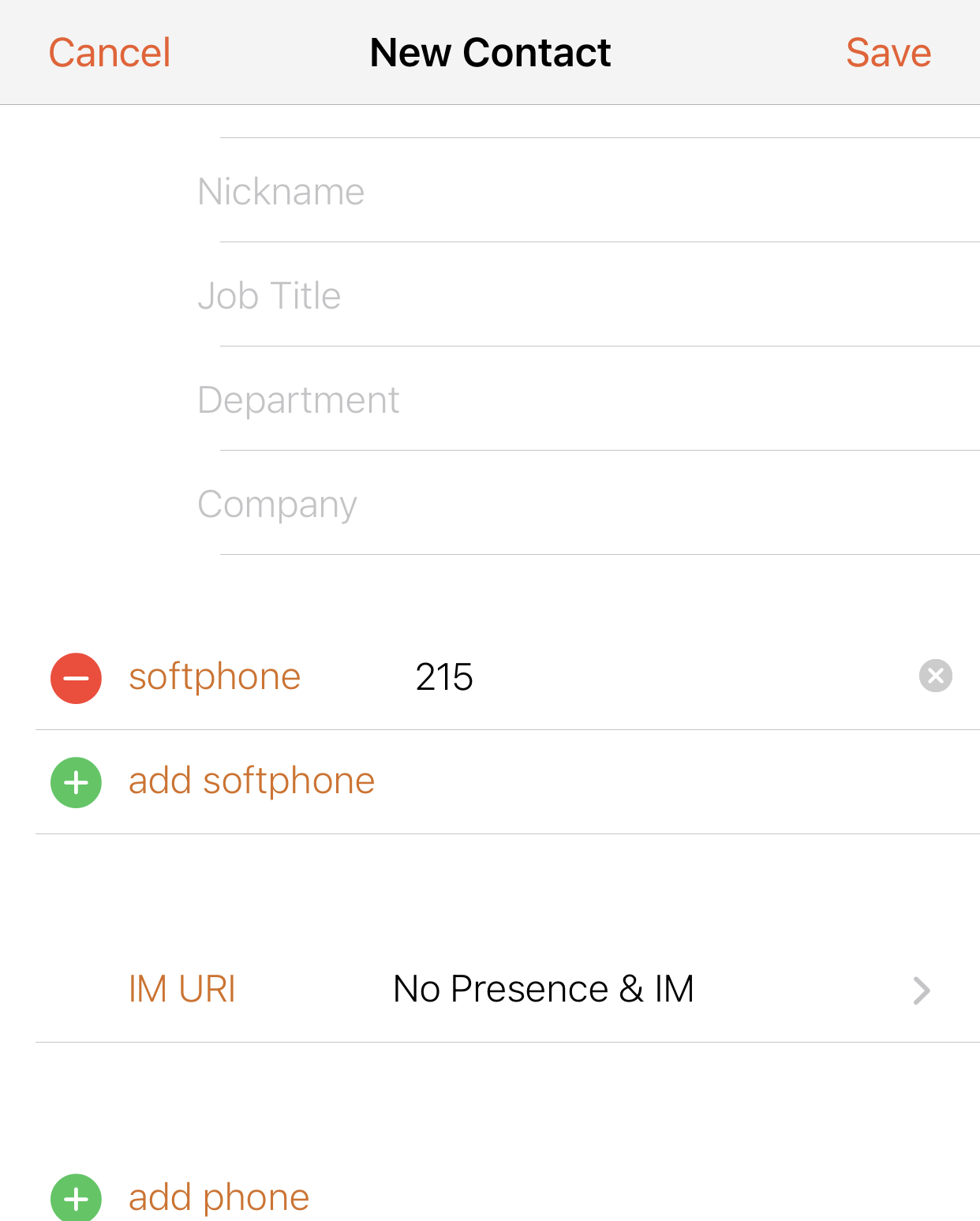
Scroll down to softphone and enter the extension number of the corresponding roster. Press return or enter on your keyboard, then press Save. You will notice that the app appends a domain name @xxx.pbx.jcnt.net. This is normal and should be saved as such.