
RINGOTEL
Ringotel on Computer
Choose what you need to do.
Make calls and manage conversations from your computer with Ringotel.
Before you start
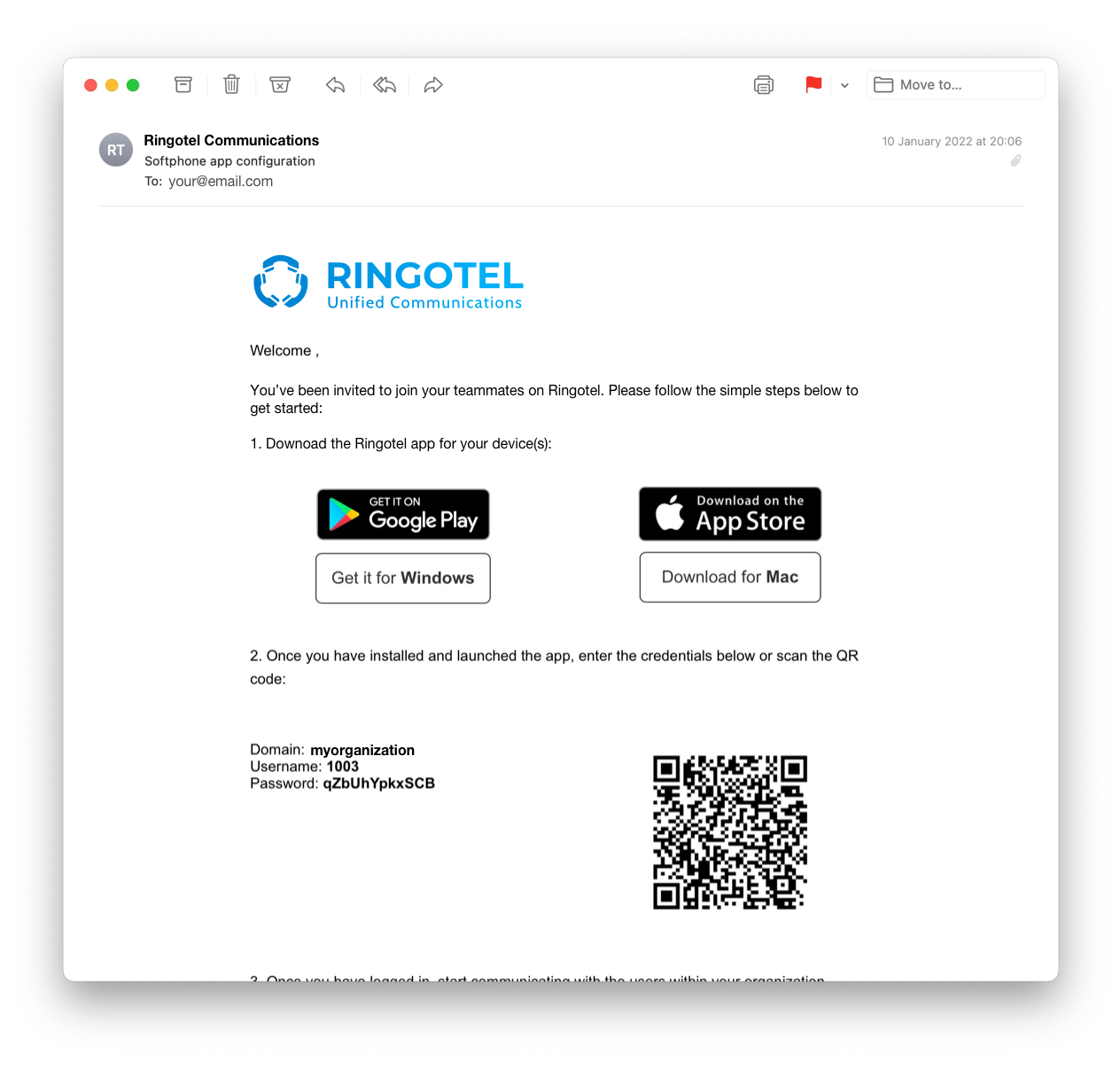
Have the Junction Ringotel sign-in details from your welcome email ready. The email normally identifies the account or extension to use when you open the desktop app.
Next steps
- Choose a computer task to make a call, transfer a call or fix audio.
- Keep your headset connected before testing a call.
- If you do not have sign-in details, contact your company’s phone administrator or Junction support.
Download Ringotel


Everyday calls
Messages & more
Business texting is available where enabled for your service.
YOUR AVAILABILITY
Use “At the desk” when you want your desk phone first
At the desk sends incoming calls to your physical desk phone and your computer first. Ringotel can receive the call after the configured delay. Your status syncs across the Ringotel devices you use.
Use Online when you want Ringotel to ring normally, or Busy when you do not want incoming calls where that status is supported.
See all availability statuses →