CALLING APPS
Google G Suite Contacts Integration
Bria Enterprise offers Google G Suite Integration to sync your contacts. To integrate:
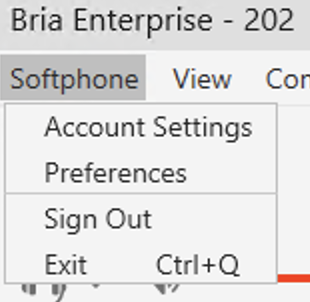
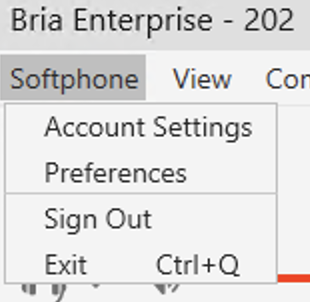
On the top right of the screen, click Softphone → Account Settings
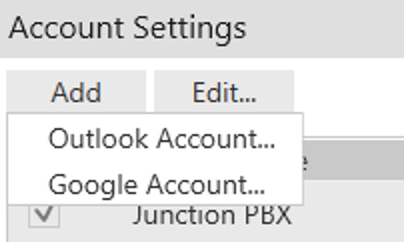
Then click Add → Google Account
If you have more than one G-Suite account, select the account from the list. If the G-Suite account is not listed, select Use another account. Sign in to the G-Suite account you want to use with Bria Enterprise.
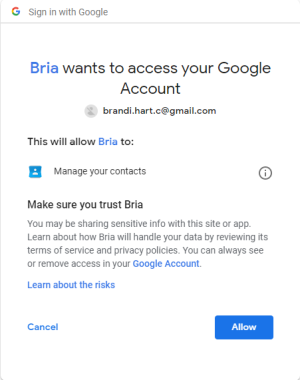
Click Allow to give Bria Enterprise permission to access your G-Suite account. You can close the web browser when you receive the message Received verification code. You may now close this window.
Click Apply or OK in the Account Settings window.