CALLING APPS
Placing Calls (Bria Mobile)
When you open the Bria Enterprise app for the first time, you will be asked to grant permission to your local network, microphone, and contacts. Please accept those permissions.
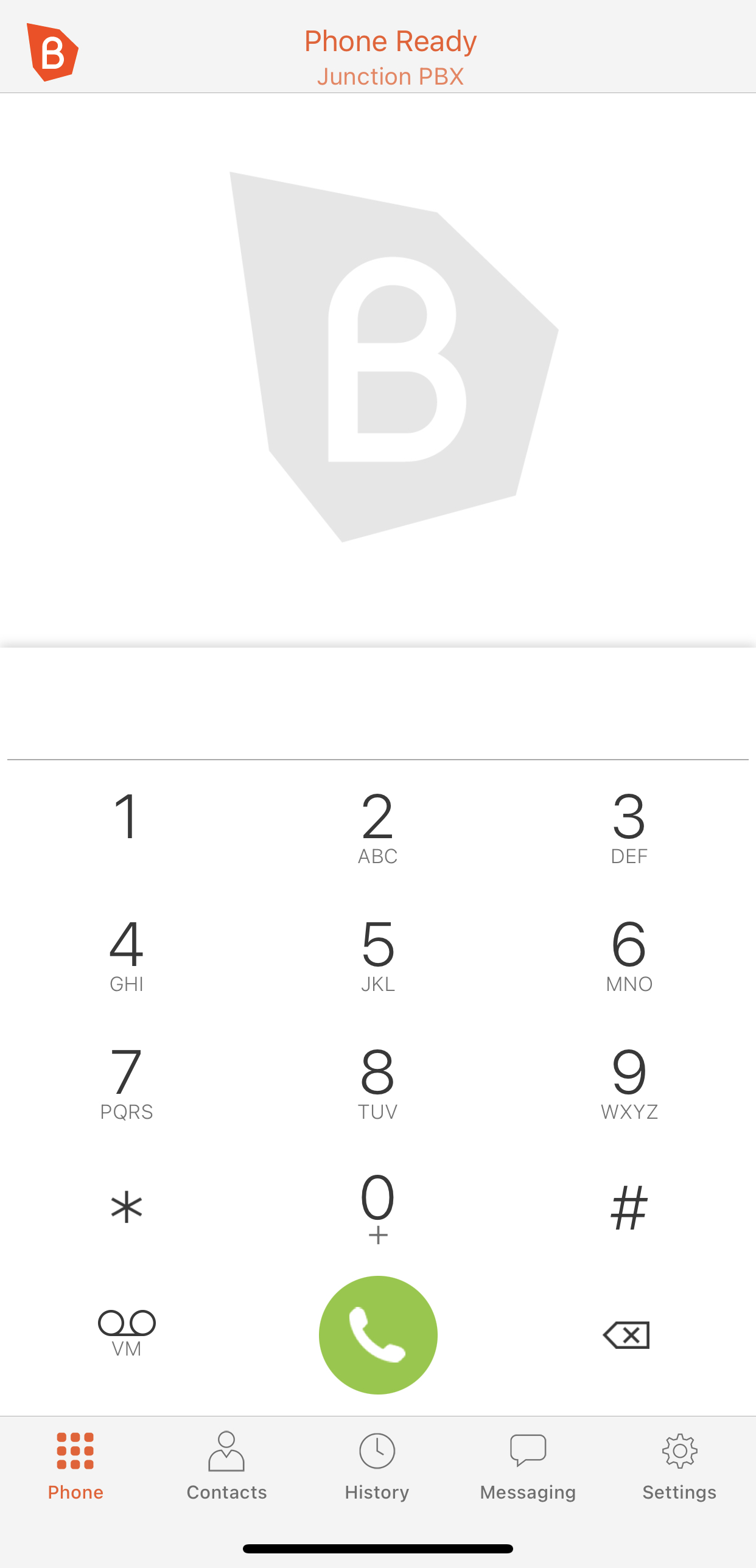
The home screen of the app should appear similar to the screen shot displayed below. You can dial an extension or phone number using the provided keypad. Alternatively, you can browse through your contacts to place a call.
All calls from the Bria app will appear as if you are at your office. The receiving party will see your office’s Caller ID on their display.