
PHONE GUIDES
Make and answer calls
Make a call
- Lift the handset, or press Speaker to use hands-free audio.
- Enter the extension or phone number.
- Press the soft key labelled Send, Dial or Call if the call has not started.
- Replace the handset to finish. For a speaker or headset call, choose End Call.
Answer a call
Lift the handset when the phone rings. To answer hands-free, press Speaker. For a connected headset, press Headset.
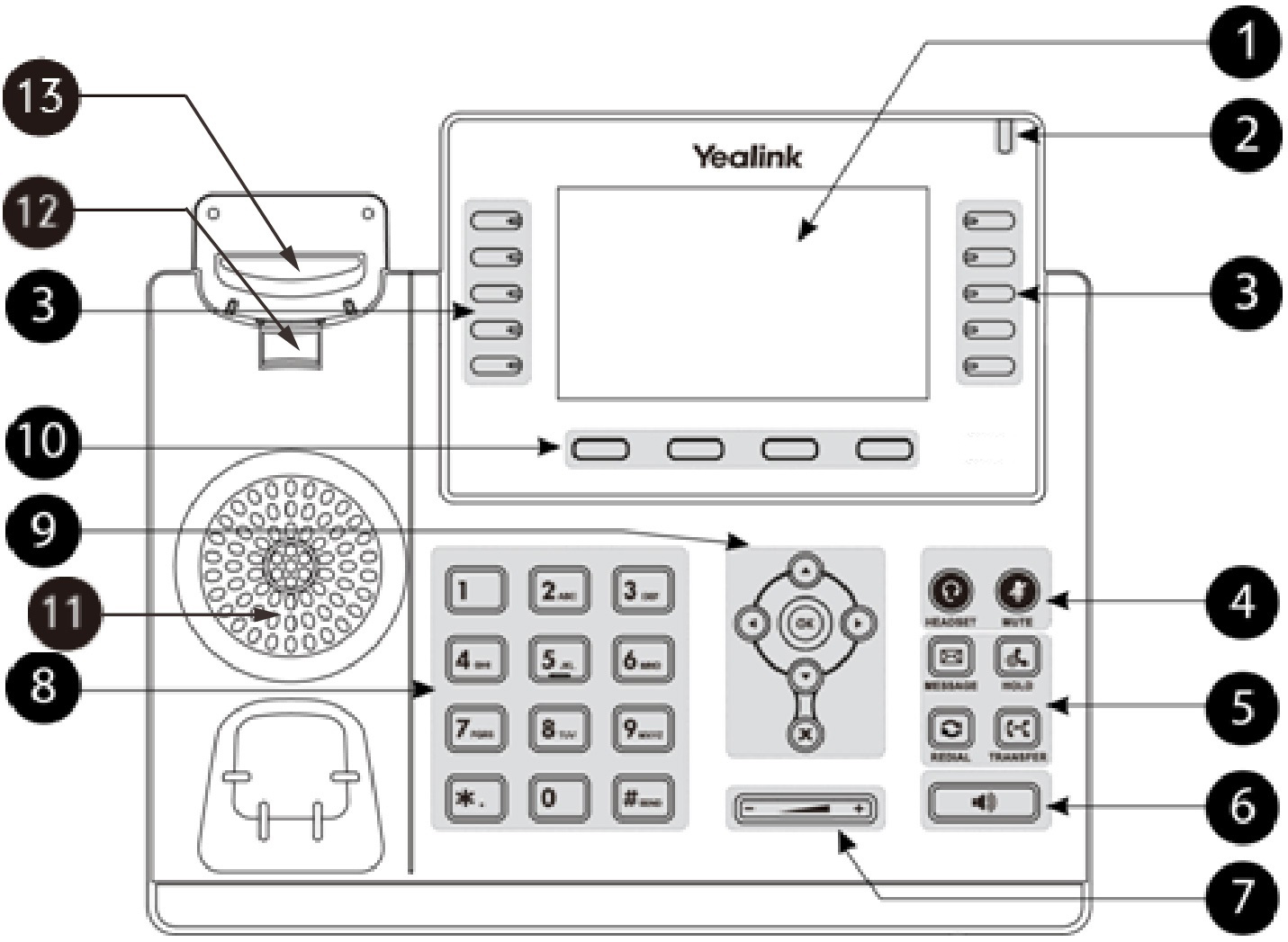
Correct a number before calling
Use the on-screen Delete or backspace option to remove an incorrect digit, then enter the right one. Check the number before starting the call.