
PHONE GUIDES
Missed calls, redial and contacts
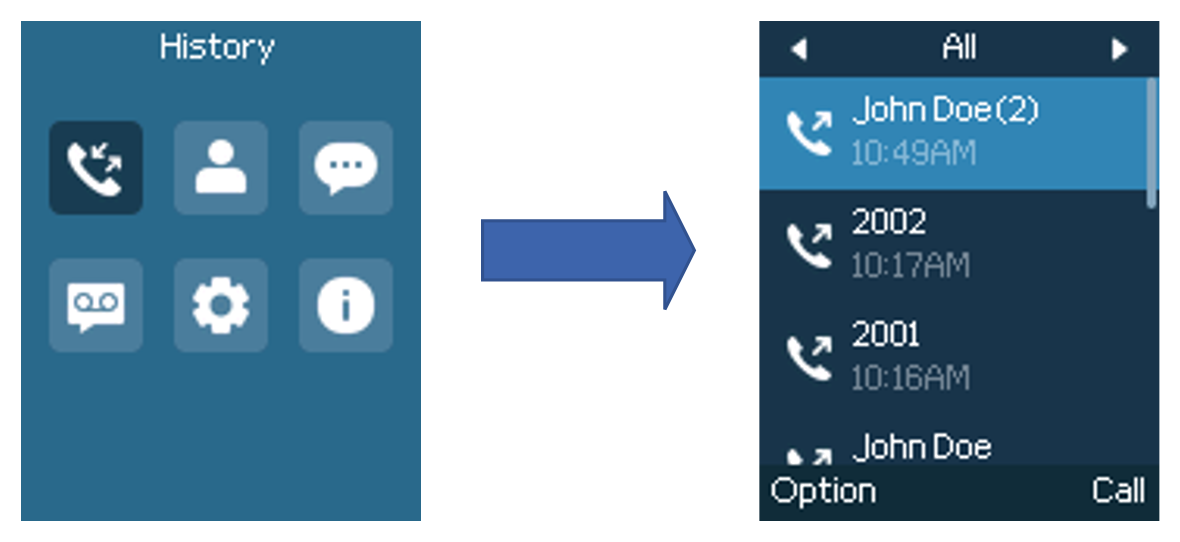
Return a missed call or redial
- Press Menu and open Call History.
- Use the left and right arrow keys to select Missed Calls, Dialed Calls, Answered Calls or all calls.
- Highlight the entry you want, check the number, and press Call.
Call a saved contact
- Open Menu → Contacts.
- Use the arrows to find a saved contact.
- Select the contact and press Dial to call.
A company directory is available only if enabled for your service. If it is empty or a contact is missing, you can still dial their extension directly.