PHONE GUIDES
Lock and unlock the keypad
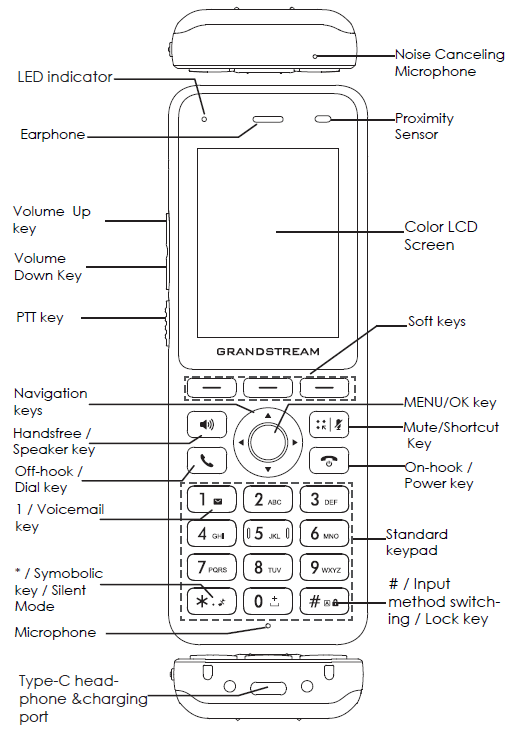
Lock the keypad before putting the handset in your pocket to prevent accidental button presses.
Lock it
From the idle screen, press and hold #.
Unlock it
Press the Unlock soft key, then press #. If a password prompt appears, enter your assigned unlock password. Ask your phone administrator if you do not know it.