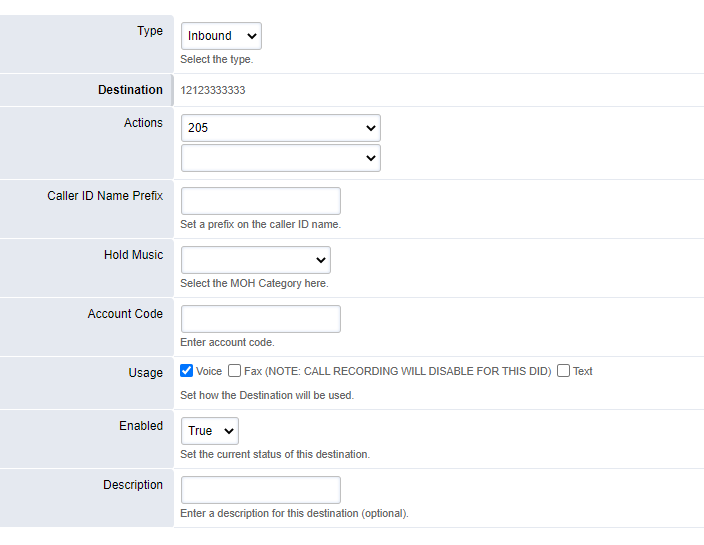
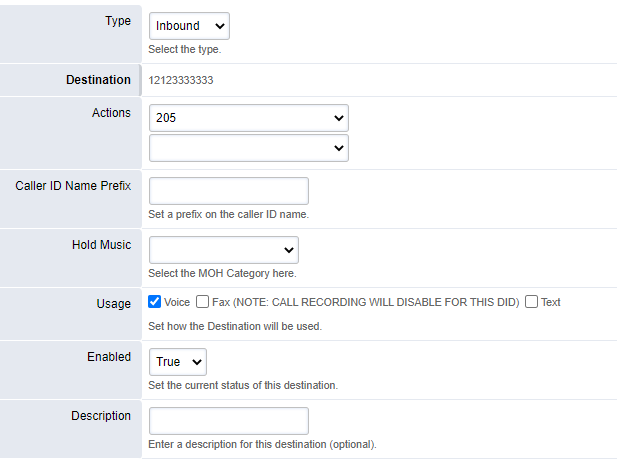
ADMIN PORTAL
Phone Number Management
Dialplan → Phone Numbers
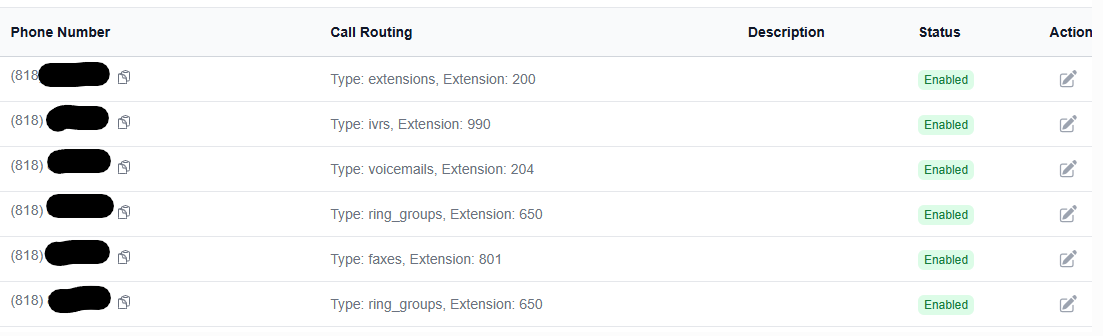
The Number Routing page provides a list of active telephone numbers associated with your account. Simply click on one of the phone numbers to change how the phone number is routed.
Upon editing the phone number, you can change the destination:
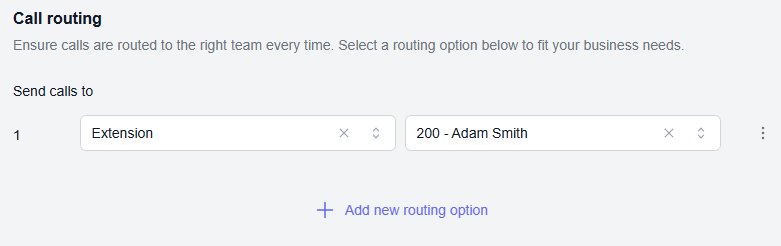
Press Save once your changes are completed