ADMIN PORTAL
Account Settings (Admin)
Home → Account Settings
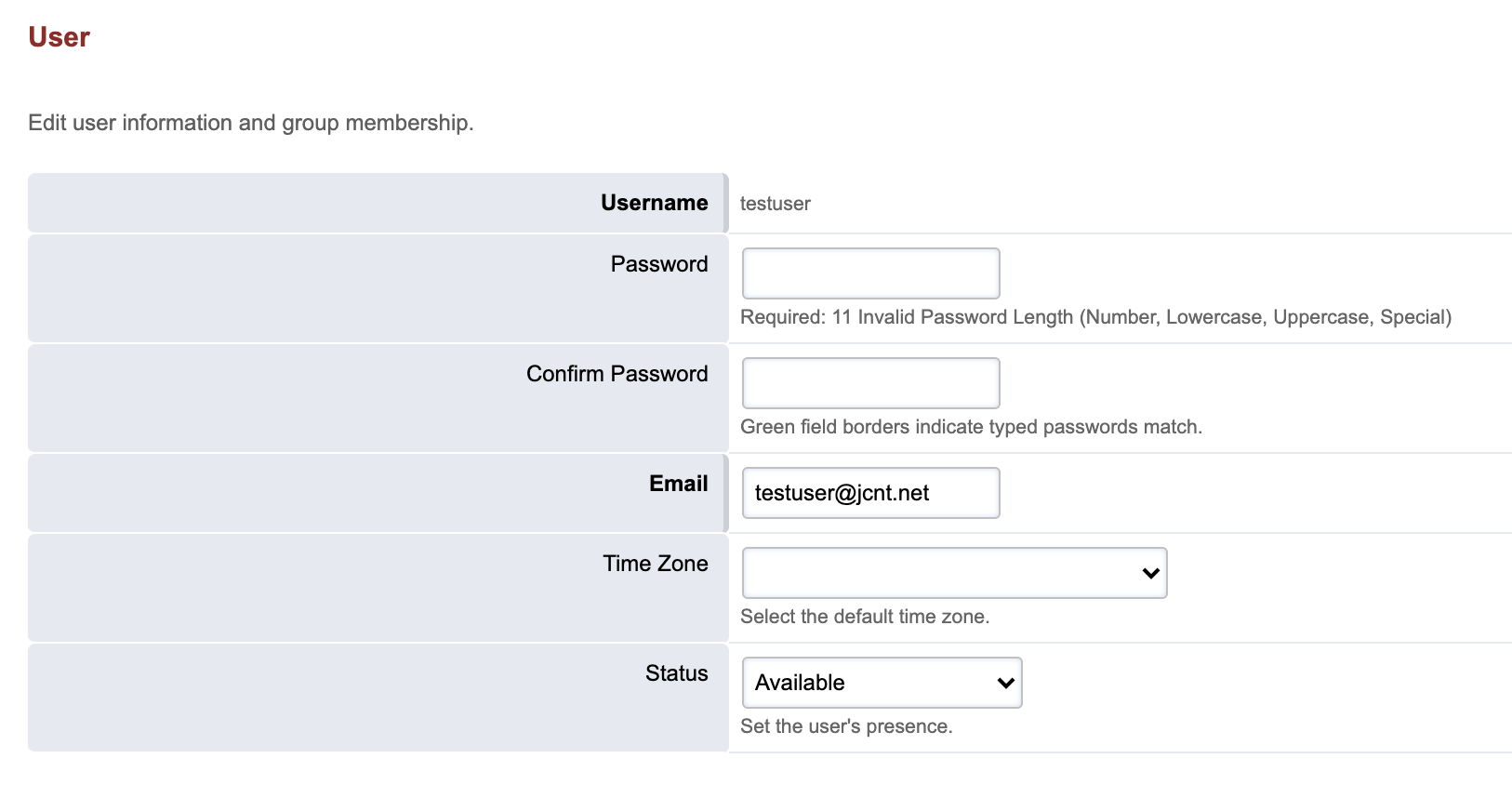
The Account Settings page allows you to change some personal settings, including:
Password: You may reset your user portal password
Time Zone: By default, timestamps for call recordings and voicemails are displayed in the time zone of your account’s service address. You can override that setting using the dropdown.
Status: If your organization utilizes call queues, your availability status can be updated.