ADMIN PORTAL
Call Routing & Block Calls
Applications → Call Routing
The Call Routing page provides the ability to block calls, or set up a special route specific callers.
To add a special route:
Press ADD on the top right of the page
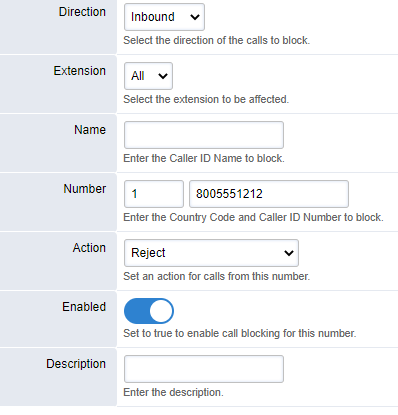
Extension: Select the destination extension number for whom the call is intended for, or select All
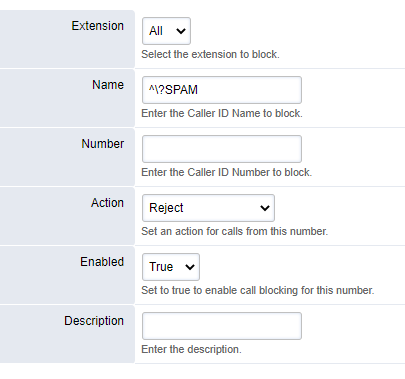
Name: Route based on Caller ID Name. Format as: ^?NAME
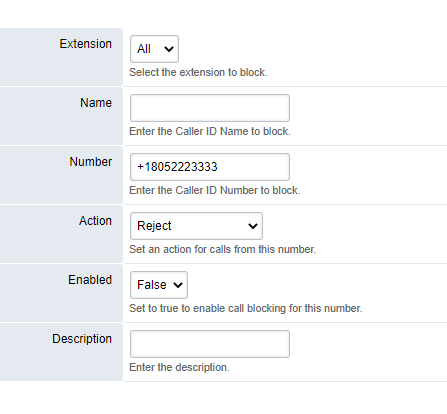
Number: Route based on Caller ID Number. Place the country code in the Country Code block (1 for USA) and the rest of the 10-digit phone number in the phone number block.
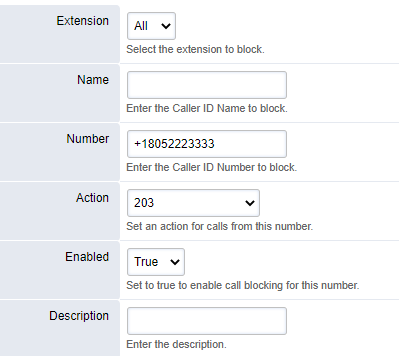
Action: By default, reject/block all calls from the referenced phone number. You may also have the calls route to an alternate destination instead of outright rejecting the call.
To reroute/block calls that are flagged as SPAM, use the following example: