ADMIN PORTAL
Business Hours (Time Conditions)
Applications → Business Hours
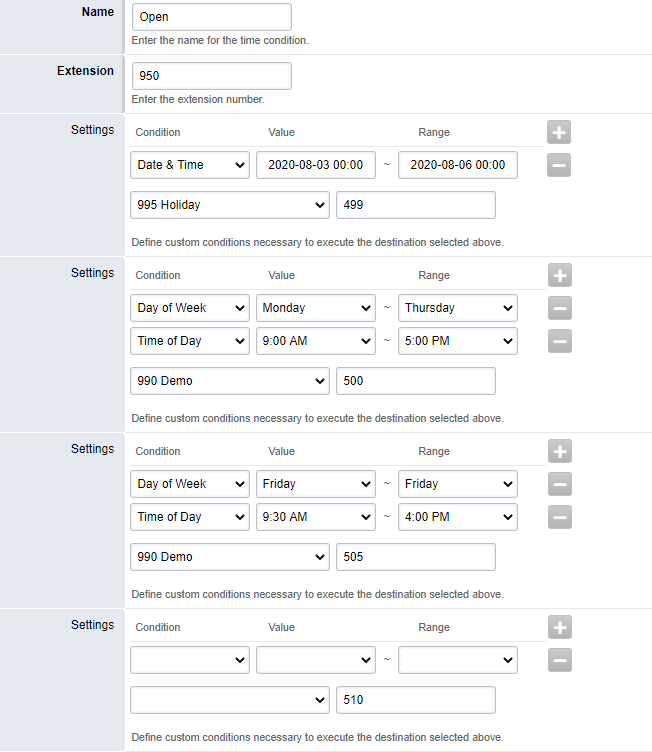
Business Hours is a virtual extension which allows you to set up operating hours for the business, and route calls according to time of day, week day, and set up holiday redirection.
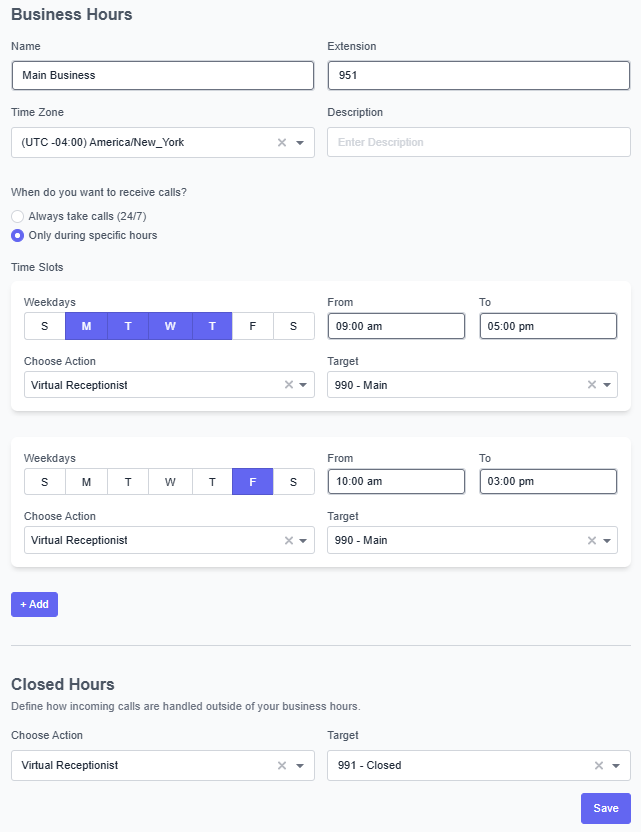
Name: Name your time condition
Extension: The virtual extension number of your time condition
Time Zone: Select the closest city/state that represents your time zone in which the module should follow
When do you want to receive calls? Select Only during specific hours
Time Slots: Select the days of the week and hours of the day that your business is open. Under Choose action, select where to send the calls during these hours.
Select the Closed Hours destination. During all other hours, calls are sent to this destination.
In the above example, the business is open M-Th from 9 am to 5 pm and Fridays 10 am to 3 pm. While the business is open, calls are directed to the Main virtual receptionist. During all other hours, calls are sent to the After Hours virtual receptionist.
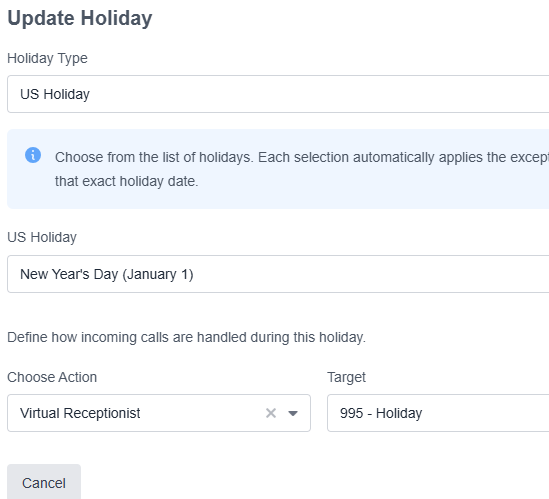
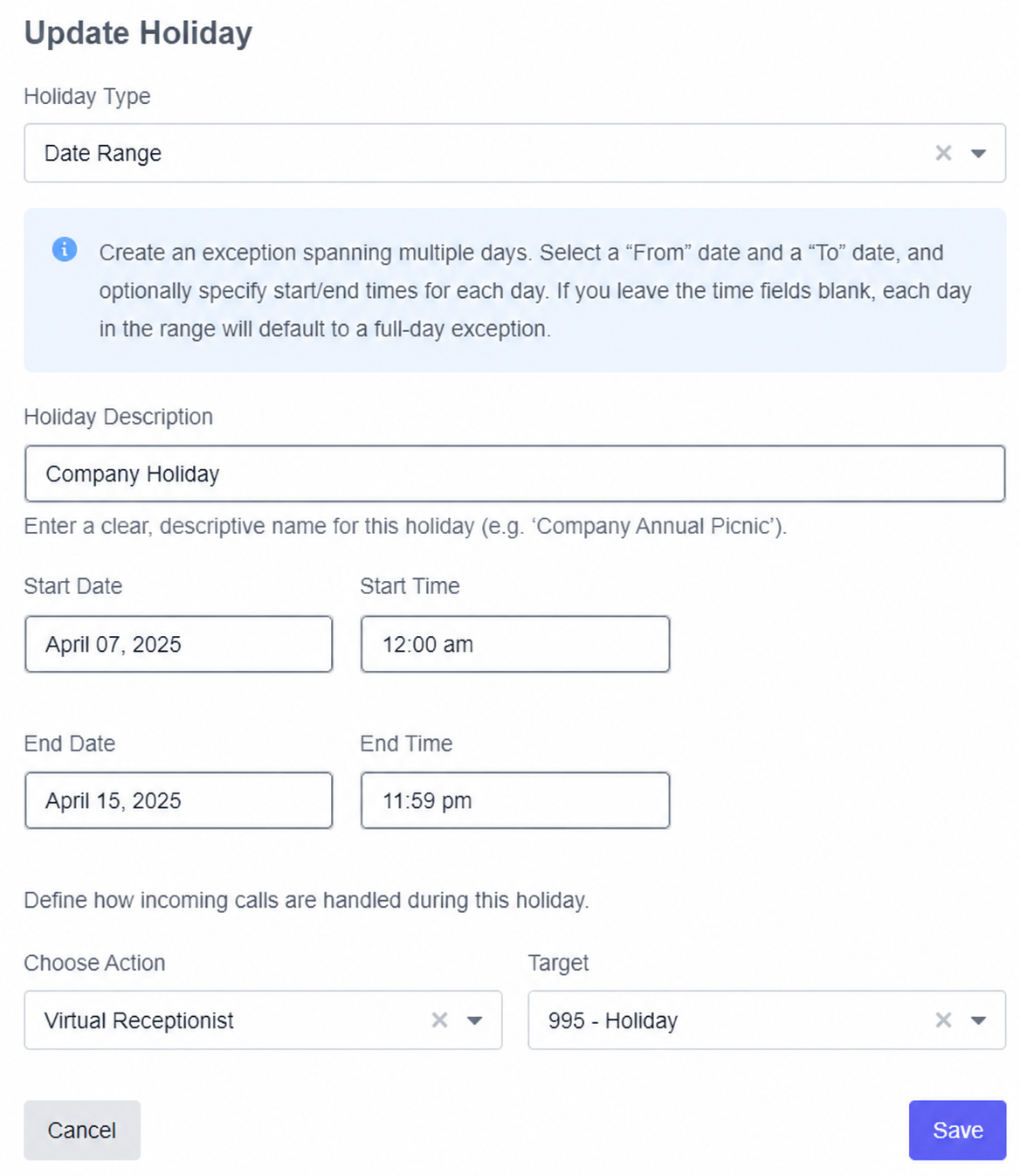
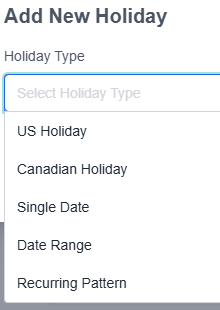
Overrides are available for holidays, severe weather, early closures, etc. Navigate to the Holidays tab to begin, then select Add Holiday.
The following types of selections are available:
US/Canadian Holiday: These are predefined holidays such as Thanksgiving, Christmas, and New Years. A submenu will appear which will allow you to select the holidays.
Single Date
Date Range
Recurring Pattern: This allows you to define your own “holiday”. For example, you can define an override if your office wants to override the first Tuesday of every month.
Examples of overrides can be found below: