
ADMIN PORTAL
Greetings/Recordings
Applications → Recordings
The Recordings page allows you to manage greetings used in conjunction with IVR Menus
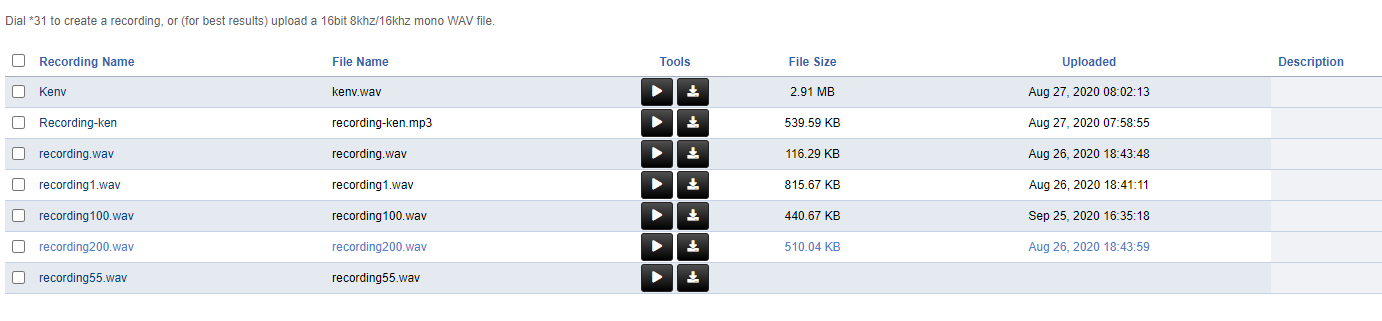
To upload a custom greeting, press ADD on the top right of the page, and select the file from your computer. WAV and MP3 are supported.
See IVR Menus to select your desired recording
To record a greeting with your voice:
Dial *31 from any extension within your organization
You will hear a prompt asking for an “ID Number”. If this is your first recording, enter any set of digits. For example: 100
You will be prompted to record a greeting. Press # when finished recording.
Follow the prompts to save/re-record the greeting
Refresh the Recordings page. Recording100.wav will appear. Notice that “100” (or the ID you entered) was the ID number entered earlier.
To replace an existing recording, dial *31 and use the same ID number that already exists. No further changes will be needed. All recordings associated with the ID number will be updated.