CALLING & VOICEMAIL
Call Continuity
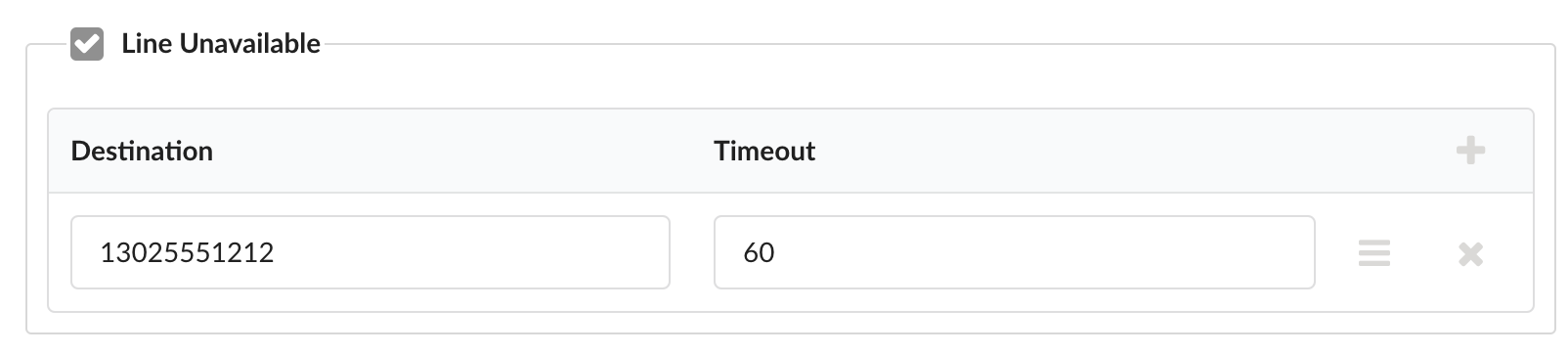
In the event that your office phone loses connection with the Junction network (internet outage, phone unplugged, etc), the system can detect this and automatically forward calls to an outside number of choice.
- To set this up, login to your user portal and navigate to Applications → Call Forward
Click the extension number that you’d like to modify
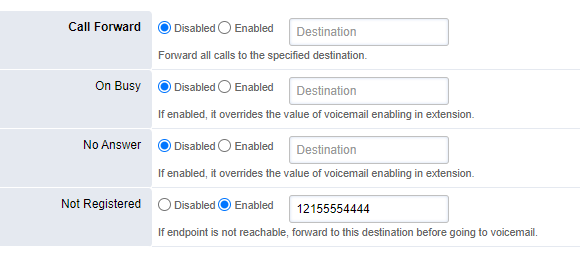
- Set Not Registered to Enabled and enter the phone number to forward calls to. Use 11-digit format as shown in the below example.